Keď vám firma pošle cenovú ponuku, v e-maile nájdete odkaz na jej stránku. Ponuku si tam prečítate, stiahnete v PDF a prijmete alebo odmietnete – bez účtu a bez prihlásenia.
Pre: zákazníkov vašej firmy
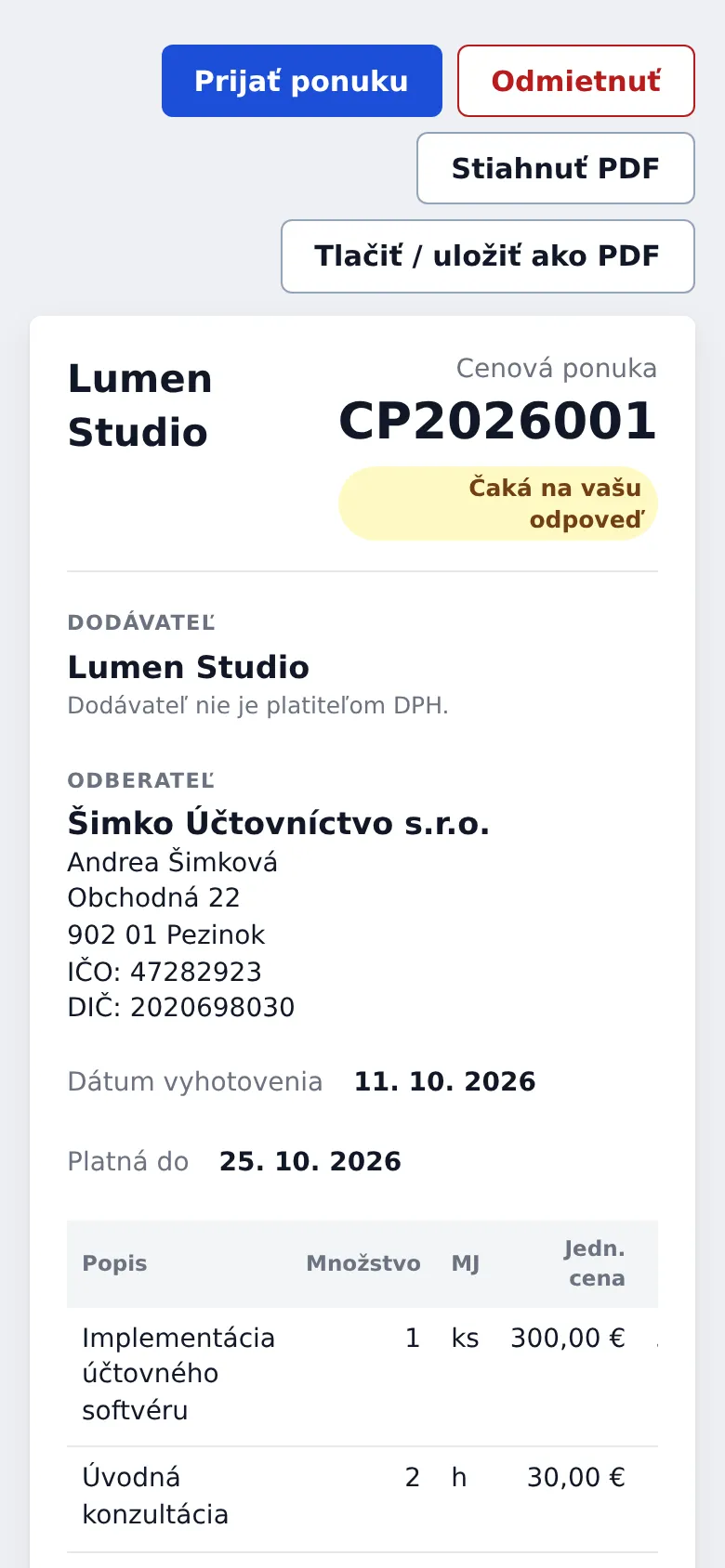
Stránka cenovej ponuky s položkami a tlačidlami na prijatie a odmietnutie.
Prijatie
V e-maile s ponukou kliknite na odkaz.
Skontrolujte položky, sumu a platnosť ponuky.
Kliknite na Prijať ponuku.
Zadajte svoje meno a priezvisko a kliknite na Potvrdiť prijatie.
Firma dostane upozornenie a ozve sa vám. Na stránke ponuky potom uvidíte, kto a kedy ju prijal.
Odmietnutie
Kliknite na Odmietnuť, voliteľne napíšte dôvod a potvrďte. Firme tým pomôžete pripraviť lepšiu ponuku.
Platnosť
Ponuka platí do dátumu, ktorý je na nej uvedený. Po ňom ju cez odkaz prijať nemožno – kontaktujte firmu a požiadajte o novú.
When a company sends you a quote, the email has a link to its page. There you can read it, download the PDF and accept or decline it, with no account and no sign-in.
For: your company's customers
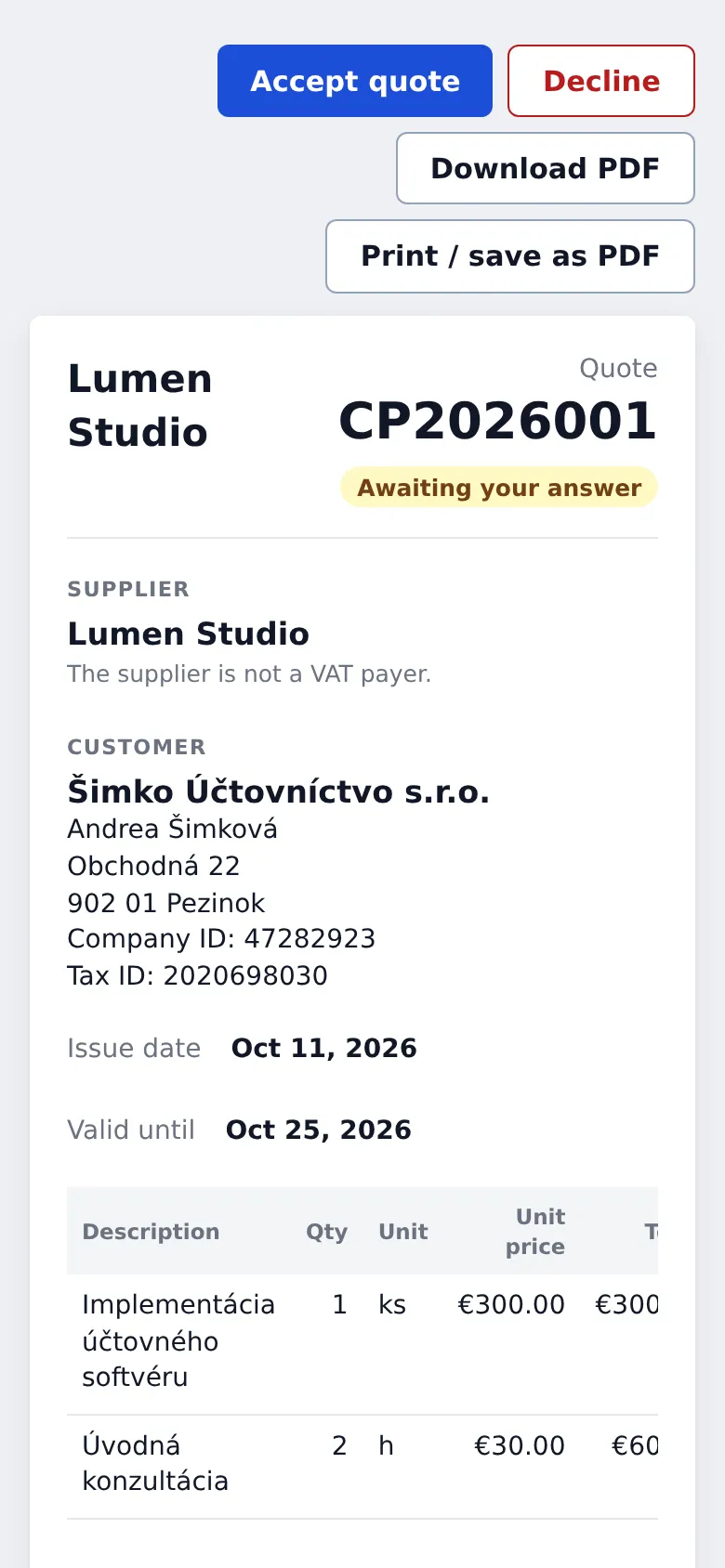
The quote page with its items and the accept and decline buttons.
Accepting
In the quote email, click the link.
Check the items, the amount and the valid-until date.
Click Accept quote.
Enter your full name and click Confirm acceptance.
The company gets a notification and will be in touch. The quote page then shows who accepted it and when.
Declining
Click Decline, optionally write a reason, and confirm. It helps the company prepare a better offer.
Validity
A quote is valid until the date shown on it. After that it can't be accepted through the link; contact the company and ask for a new one.