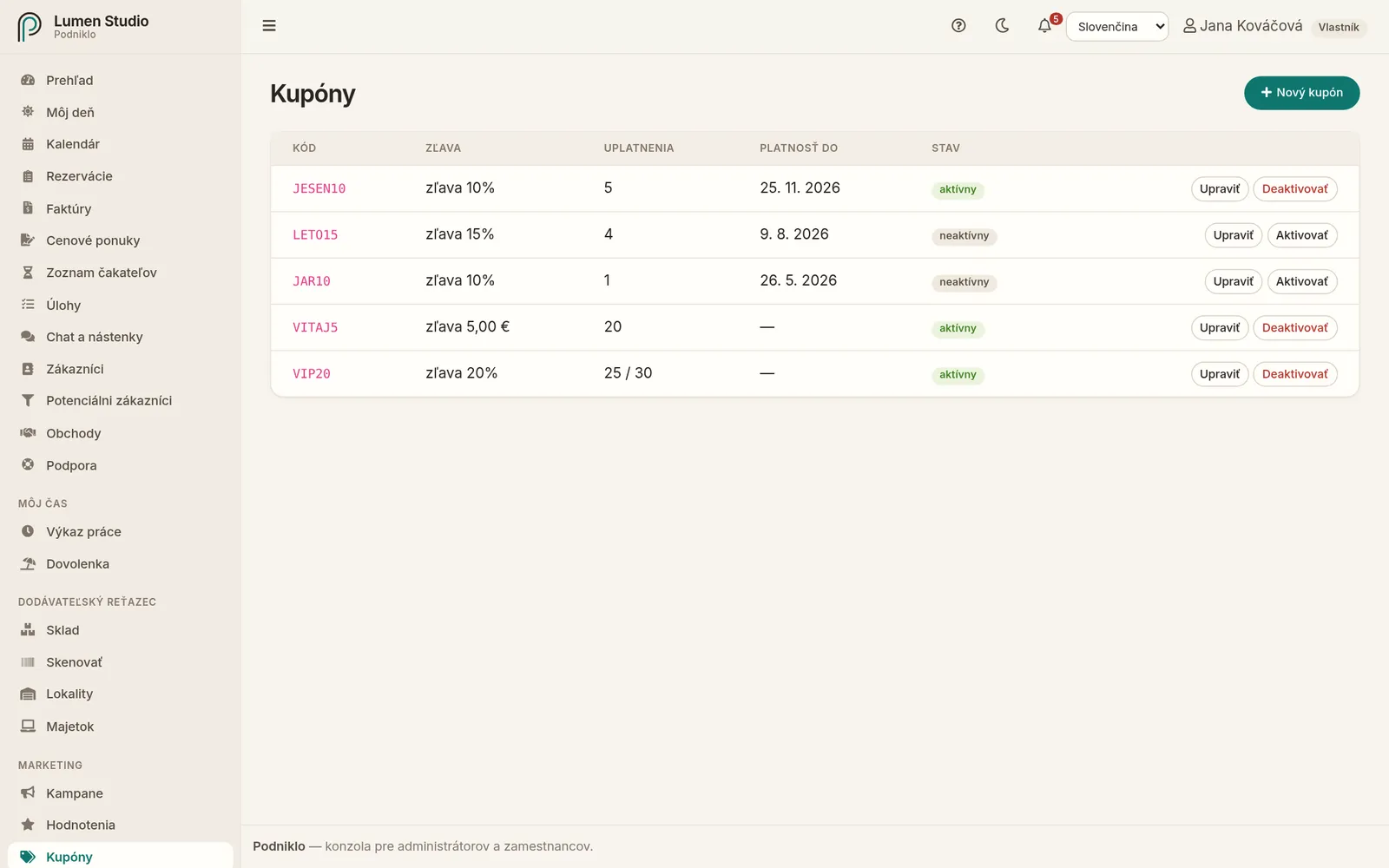
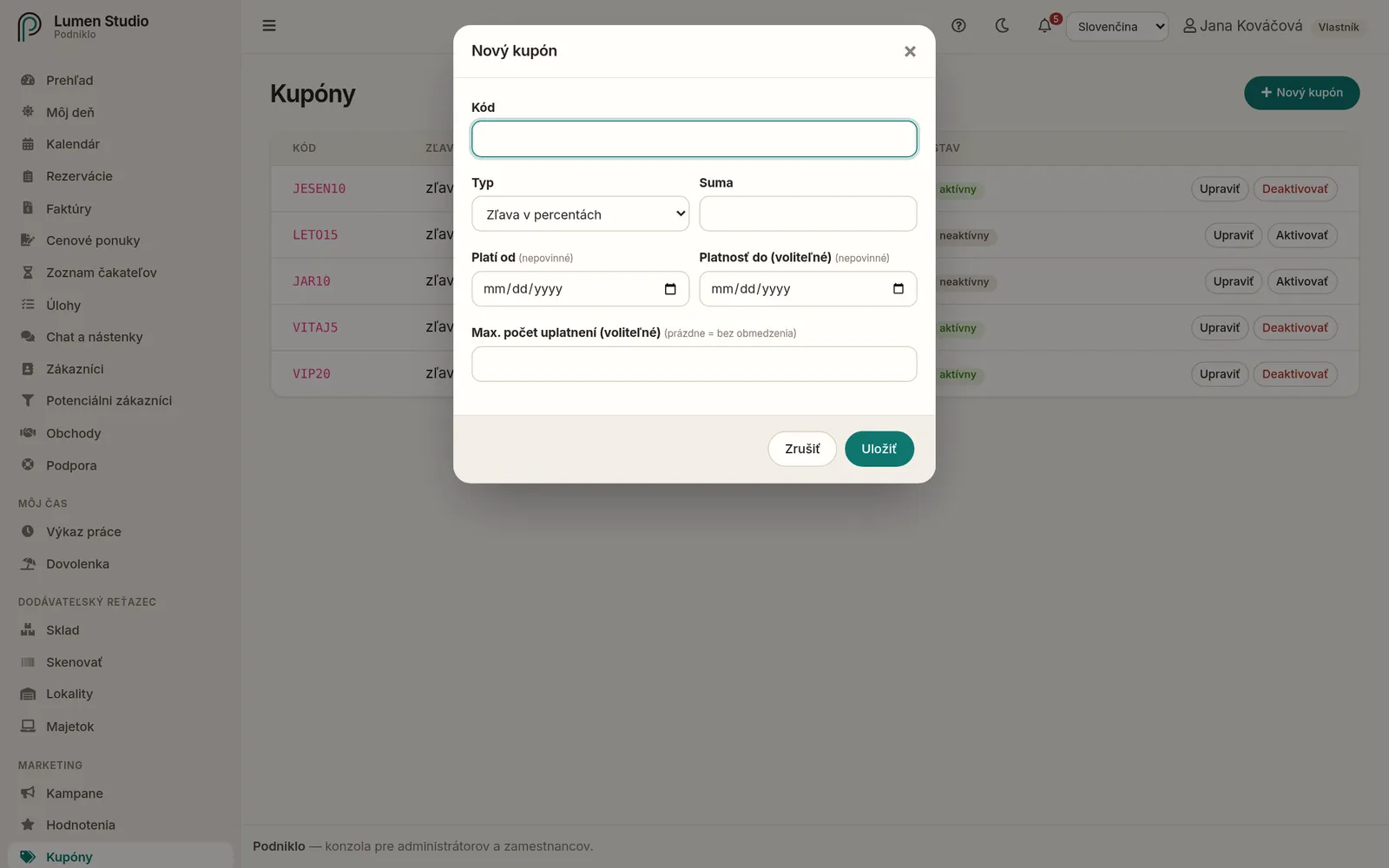
Zľava sa ukáže v zozname rezervácií aj na faktúre.
Kupóny z vernostných bodov
Keď zákazník v portáli vymení vernostné body, Podniklo mu automaticky vytvorí jednorazový kupón. Pozrite Vernostný program a odporúčania.
Deaktivácia
Kupón, ktorý už nemá platiť, deaktivujete tlačidlom Deaktivovať. Kód potom nepôjde použiť, ale história jeho uplatnení zostane. Tlačidlom Aktivovať ho znova zapnete.
Discount codes customers enter when booking. They can take a percentage or a fixed amount off, have a validity period and a limit on how many times they're used.
For: admins and owners Menu → Marketing → Coupons
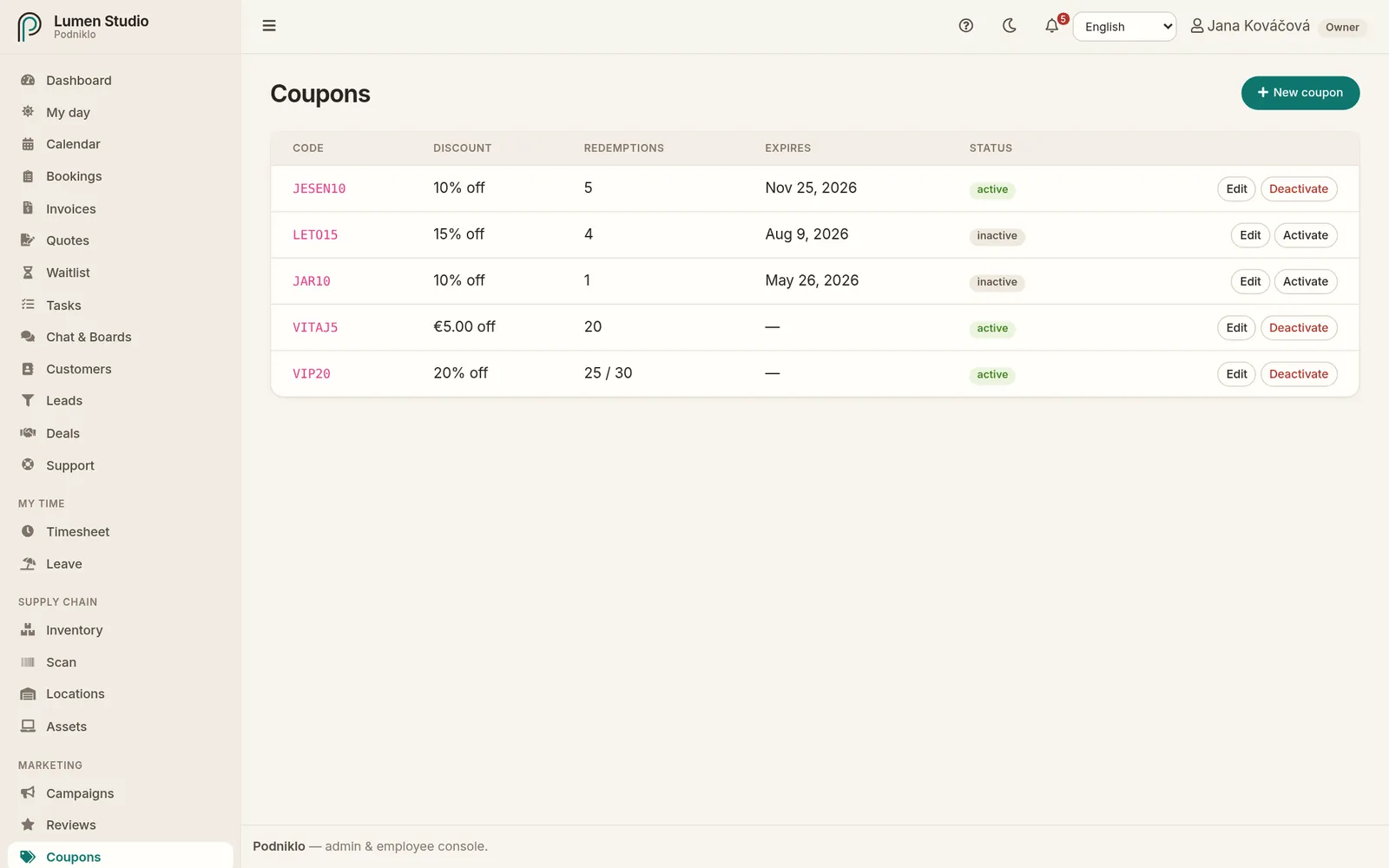
Coupons with their discount, redemptions, expiry and status.
A new coupon
Click New coupon.
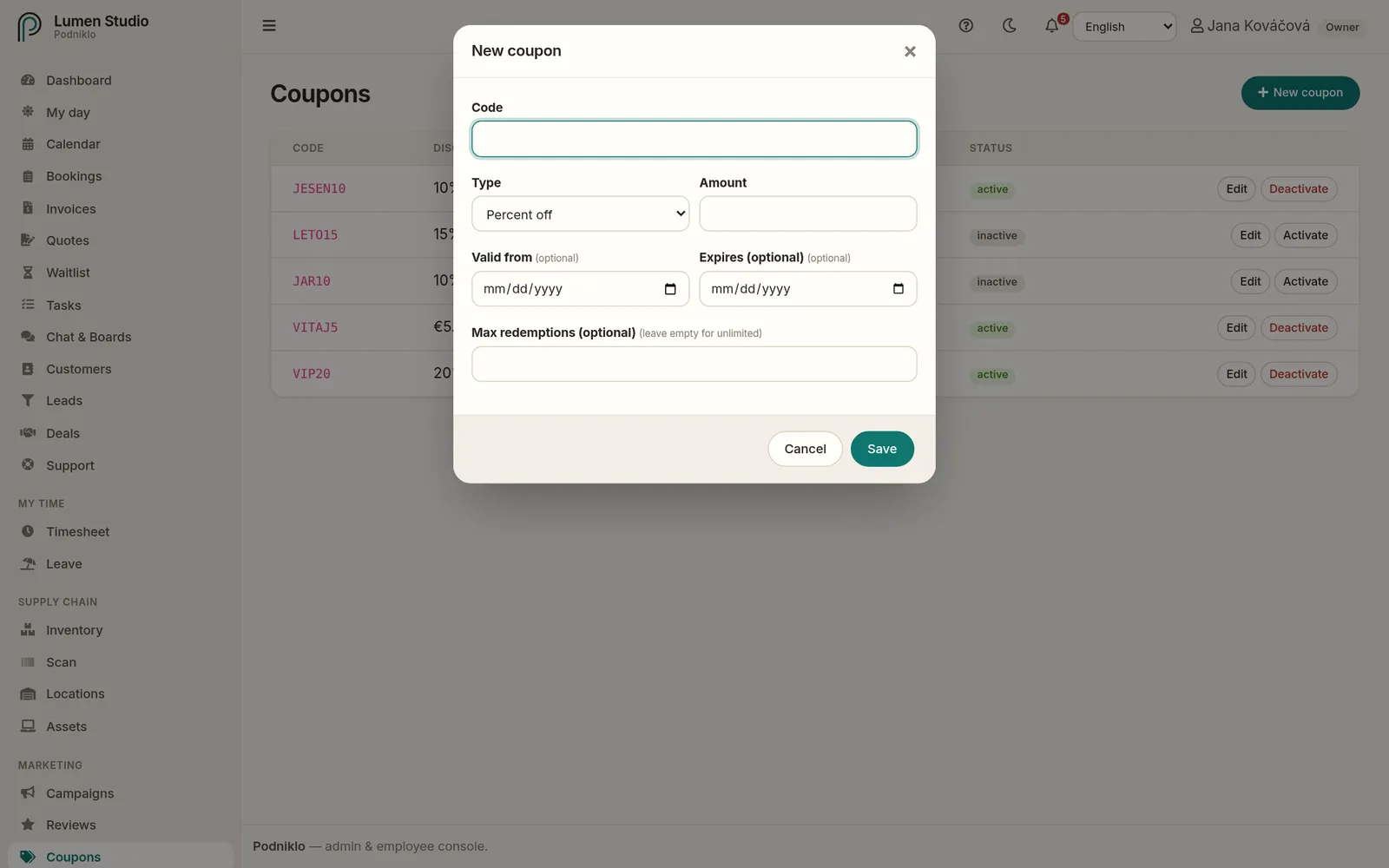
Enter a Code, for example AUTUMN10. Letters A–Z, digits, underscore and dash are allowed.
Pick the Type: Percent off or a Fixed amount in your company's currency, and enter the Amount.
Optionally set Valid from, Expires and Max redemptions.
Save.
A new coupon with its discount type, validity and redemption limit.
The discount shows in the bookings list and on the invoice.
Coupons from loyalty points
When a customer redeems loyalty points in the portal, Podniklo creates a single-use coupon for them automatically. See Loyalty and referrals.
Deactivating
Turn off a coupon that should no longer work with Deactivate. The code then can't be used, but its redemption history stays. Activate turns it back on.