Po dokončenej návšteve dostane zákazník e-mail s krátkym formulárom. Hodnotenie zaberie pol minúty a firme pomôže zlepšovať sa aj získavať nových zákazníkov.
Pre: zákazníkov vašej firmy
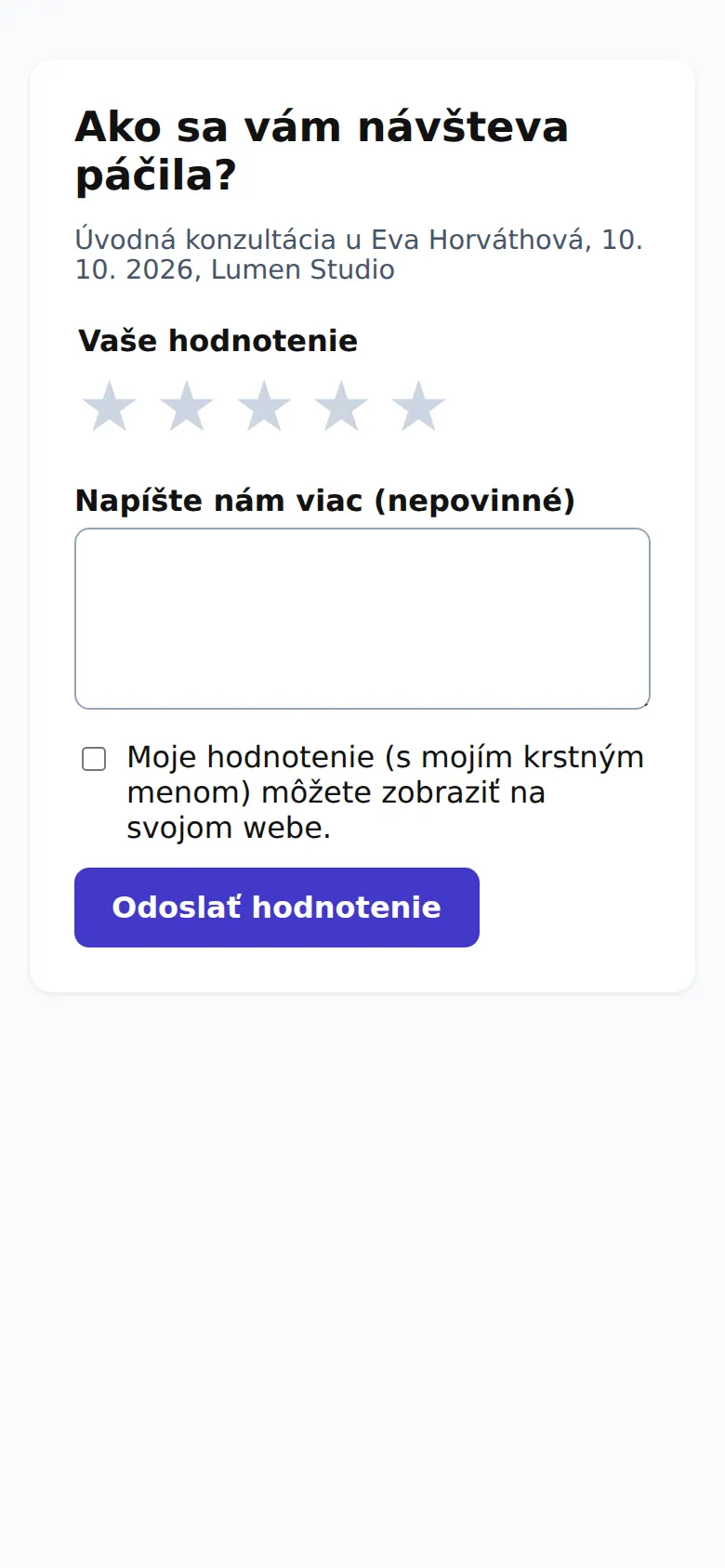
Formulár hodnotenia: hviezdičky, komentár a súhlas so zverejnením.
Ako hodnotiť
V e-maile „Ako ste boli spokojní?“ kliknite na odkaz. Hodnotiť sa dá aj v zákazníckom portáli cez Ohodnotiť návštevu.
Vyberte 1 až 5 hviezdičiek.
Voliteľne napíšte, čo sa vám páčilo alebo čo zlepšiť.
Ak súhlasíte, zaškrtnite, že firma môže vaše hodnotenie s vaším krstným menom zobraziť na svojom webe.
Kliknite na Odoslať hodnotenie.
Ak ste boli veľmi spokojní a firma má profil na Google, ponúkne vám, aby ste hodnotenie zdieľali aj tam.
Čo sa s hodnotením stane
Firma hodnotenie vždy uvidí a môže naň odpovedať.
Verejne sa zobrazí len vtedy, ak ste so zverejnením súhlasili a firma ho zverejní.
Svoje hodnotenia môžete vymazať v zákazníckom portáli cez Vymazať moje údaje.
After a completed visit, the customer gets an email with a short form. A review takes half a minute and helps the company improve and win new customers.
For: your company's customers
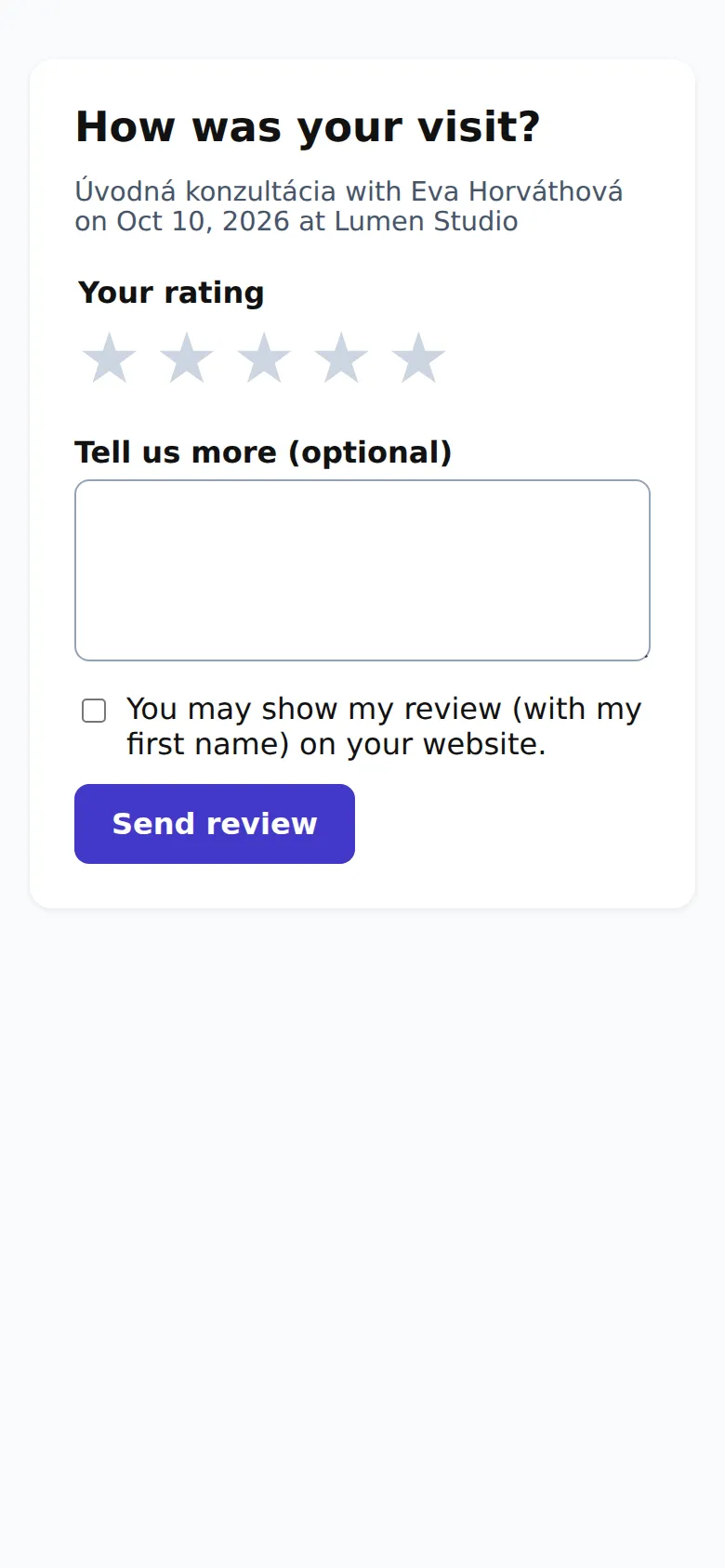
The review form: stars, a comment and consent to publishing.
How to review
In the "How was your visit?" email, click the link. You can also review in the customer portal with Rate your visit.
Pick 1 to 5 stars.
Optionally write what you liked or what could be better.
If you agree, tick that the company may show your review with your first name on its website.
Click Send review.
If you were very happy and the company has a Google profile, you're offered the chance to share your review there too.
What happens to your review
The company always sees your review and can reply to it.
It's only shown publicly if you agreed and the company publishes it.
You can delete your reviews in the customer portal with Delete my data.