Ak firma prijíma reklamácie online, reklamáciu podáte cez jej formulár – bez účtu a bez prihlásenia. Reklamačný protokol vám príde e-mailom.
Pre: zákazníkov vašej firmy
Kde formulár nájdete
V e-maile s faktúrou, na faktúre v PDF alebo na jej online stránke – odkaz Reklamovať otvorí formulár rovno pri tejto faktúre.
V zákazníckom portáli pri každej faktúre.
Na webe firmy (stránka /claim/).
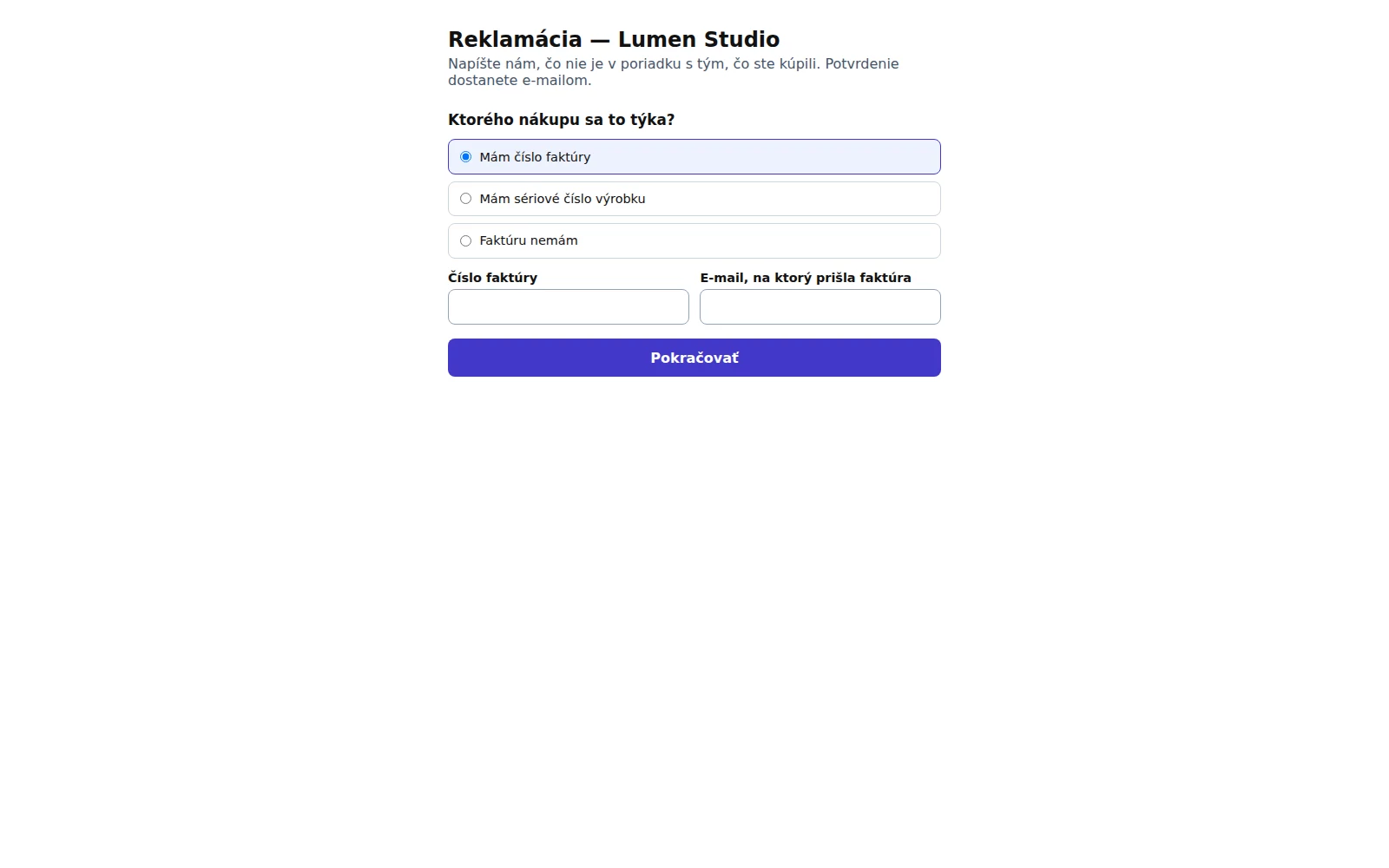
Formulár začína vyhľadaním nákupu.
Podanie reklamácie
Ak ste neprišli cez odkaz z faktúry, zvoľte, ako nákup nájdeme: číslo faktúry a e-mail, na ktorý prišla, sériové číslo výrobku, alebo Faktúru nemám.
Vyberte reklamovanú položku a množstvo (bez faktúry ju napíšte a zadajte dátum kúpy).
Popíšte vadu – kedy sa prejavila a ako – a zvoľte, čo požadujete: opravu, výmenu, vrátenie peňazí alebo zľavu.
Pridajte až 3 fotky vady (nepovinné; zmenšia sa automaticky).
Vyplňte meno a e-mail, potvrďte súhlas so spracovaním údajov a kliknite na Odoslať reklamáciu.
Uvidíte číslo reklamácie a na e-mail vám príde reklamačný protokol – potvrdenie o jej prijatí. Ak ste spotrebiteľ, firma ju musí vybaviť do 30 dní. O vybavení vás bude informovať.
If a company takes claims online, you file one on its form, with no account and no sign-in. The claim record comes to you by email.
For: your company's customers
Where to find the form
In the invoice email, on the invoice PDF or on its online page: the File a claim link opens the form on that invoice.
In the customer portal, next to each invoice.
On the company's website (the /claim/ page).
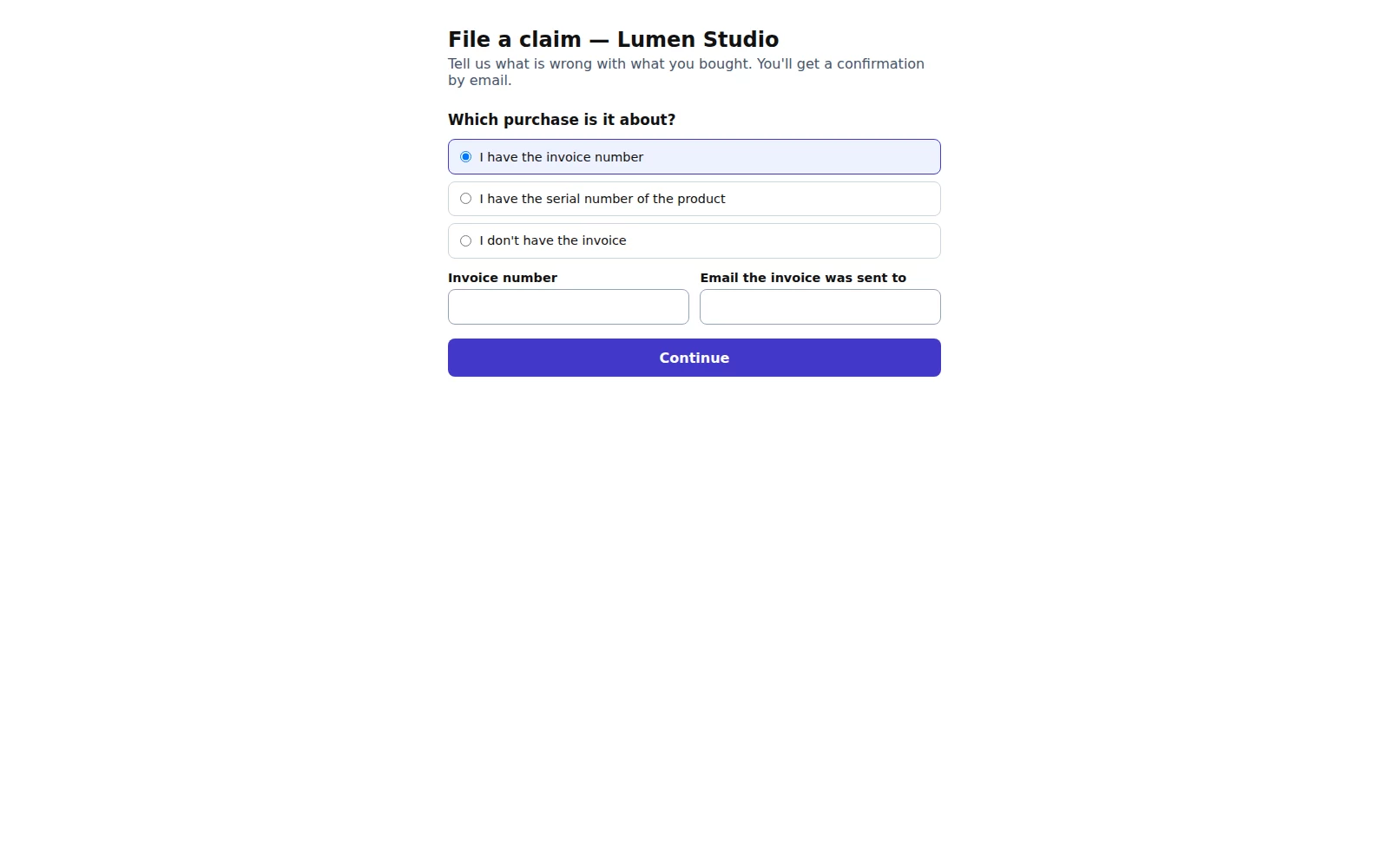
The claim form starts by finding the purchase.
Filing a claim
If you didn't come from an invoice link, choose how to find the purchase: the invoice number and the email it was sent to, the product's serial number, or I don't have the invoice.
Pick the item and quantity (without an invoice, type it in and give the purchase date).
Describe the defect (when it started and how it shows) and choose what you'd like: repair, exchange, money back or a discount.
Add up to 3 photos of the defect (optional; they are shrunk automatically).
Fill in your name and email, confirm the consent and click Submit the claim.
You'll see the claim number, and the claim record (the confirmation it was received) comes by email. If you are a consumer, the company must settle it within 30 days, and will let you know how.